


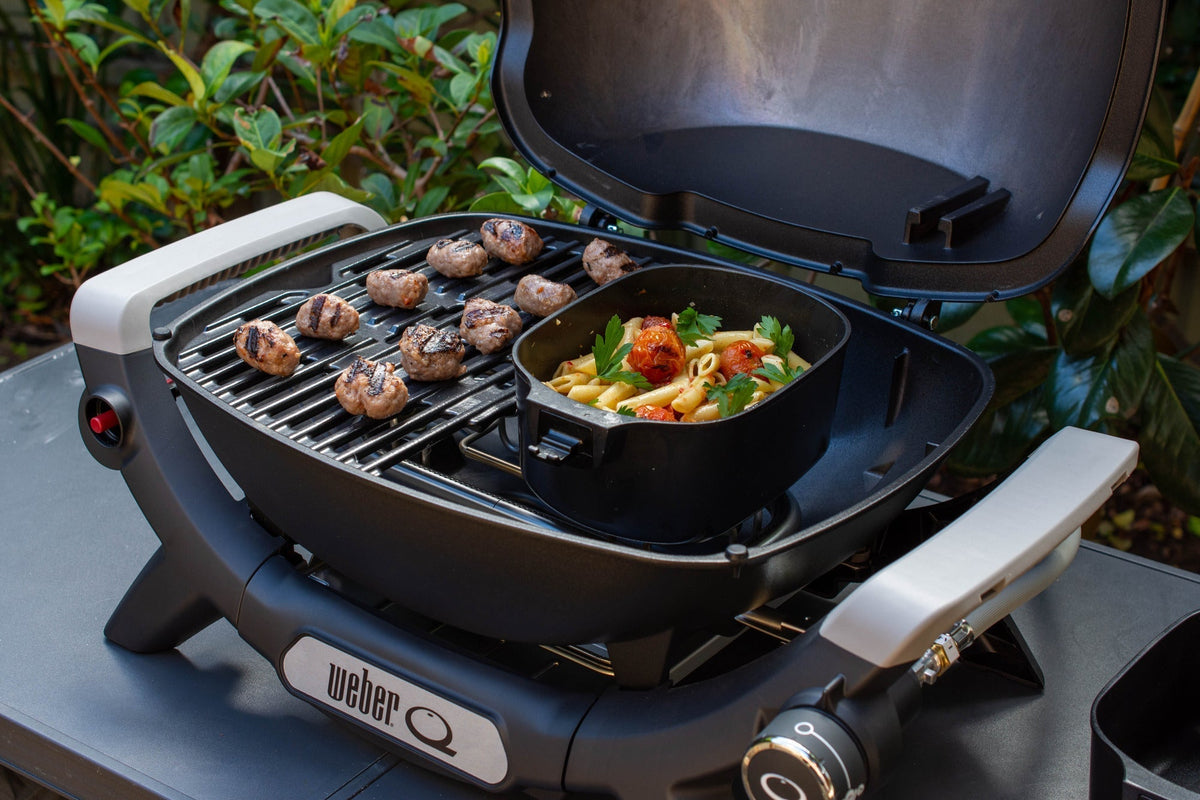
The 2023 release of the updated Weber Q barbecue range created curiosity and excitement amongst barbecue enthusiasts, keen to try its new features, accessories and to cook a wider range of delicious meals.
Many accessories have been designed specifically for use with a particular Weber Q generation and are incompatible with other Weber Q generations.
In this quick guide we’ll show you how to identify between the different Q generations, so you can purchase and use compatible accessories with confidence.
Spot the difference: which Weber Q do you have?

The latest Weber Q Range (3rd Generation)
The latest Weber Q range (3rd Generation) was launched across Australia and New Zealand in September 2023. The model numbers have a Q, followed by 4 digits and then all have an “N”. This number is on the data label of your barbecue for ‘Model No’.
- Baby Q (Q1000N / Q1200N)
- Weber Q (Q2000N / Q2200N)
- Weber Q+ (Q2600N+ / Q2800N+)
- Family Q+ (Q3100N+ / Q3200N+)
- Built-in Q+ (Q3600N+)
Some distinguishing characteristics of this range include:


Weber Q Classic Range (2nd Generation)
The Weber Q Classic range (2nd Generation) was launched across Australia and New Zealand in 2013. The model numbers have a Q, followed by 4 digits only. This number is on the data label of your barbecue for 'Model No'.
- Baby Q (Q1000 / Q1200)
- Weber Q (Q2000 / Q2200)
- Family Q (Q3100 / Q3200)
- Built-in Q (Q3600)
Some distinguishing features of this range include:


Weber Q Classic Range (1st Generation)
The Weber Q Classic range (1st Generation) was launched across Australia and New Zealand in 2003 and was available for purchase up to 2013. The model numbers have a Q, followed by 3 digits only. This number is on the data label of your barbecue for 'Model No'.
- Baby Q (Q100 / Q120)
- Weber Q (Q200 / Q220)
- Family Q (Q310 / Q320)


Finding the right accessories for your Weber Q
Now you know which Weber Q Generation you’re cooking with, you’re much better equipped to find the right accessories!
Many accessories have been designed specifically for use with a particular Weber Q generation, and are incompatible with other Weber Q generations. Always check the product description and packaging details, which will specify compatibility.
If you’ve got a Weber Q (3rd Generation), all the new accessories include a visual ‘key’ on the bottom right hand of the packaging, to help easily identify the right accessory for your Q barbecue:

If you’re shopping atwww.weber.com, be sure to check the RED text badge to check the GENERATION the accessory fits, and the model compatibility, which is under the main accessory title.

We’ve also added notifications designed to assist you in selecting the accessories that are compatible with your Weber Q please see some examples below:

Many Q cleaning, tools and some cookware accessories can be used across all generations – please check the packaging details and product information prior to purchase.
We hope this quick guide provides you with simple, visual cues to identify your Weber Q barbecue, and choose the accessory that's right for you.
Should you require further information, please contact our Customer Service team or visit one of our Weber Stores for hands-on assistance. Enjoy your Weber Q adventure!


